 Instagram
 LinkedIn
 Facebook
There’s already plenty on your plate.
Customers, bookings, orders, the actual work. Choose a finished layout so your next post does not start with a blank page.
For beginners. For sole traders. For your business.
Ready-made marketing designs and step-by-step guidance for your small business. Choose a design, add your logo and change the words. No marketing or design experience needed.
Lifetime use of the software you receive. Unlimited designs and exports. AI-friendly — use your own AI tools, or work without AI.


 READY TO MAKE YOURS


 READY TO MAKE YOURS


 READY TO MAKE YOURS


 READY TO MAKE YOURS


Actual tool designs in illustrative device mockups. Example businesses are fictional. Every collection is included.
A few changes. Your own look.
No design experience needed. Add your logo, change a few words and choose your colour. See a construction business turn a ready-made design into its own project post.
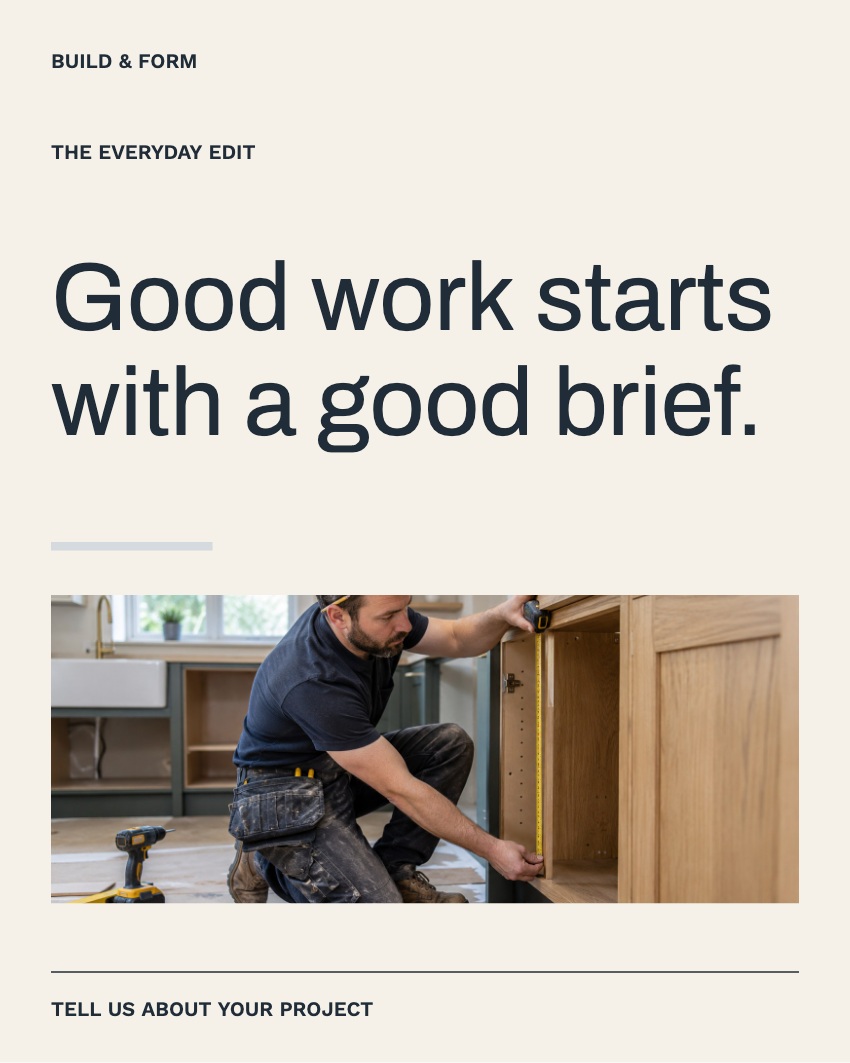
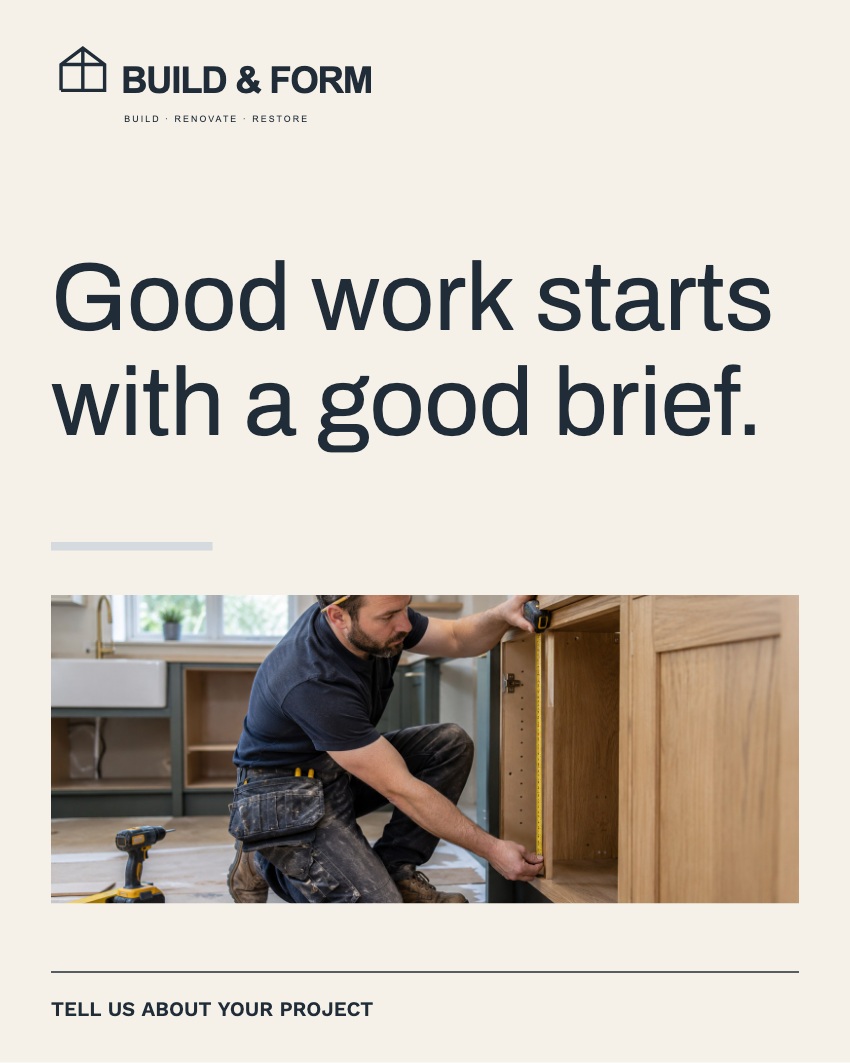
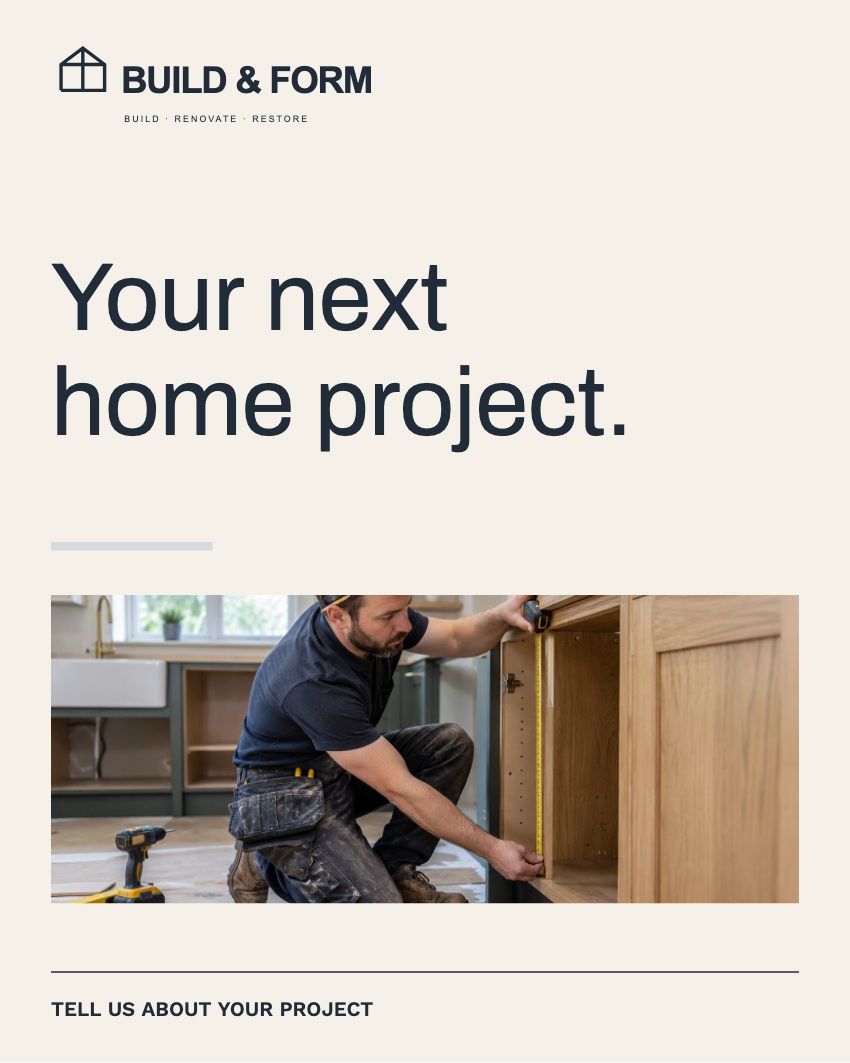
 ✓ Ready to share
Illustrative editing sequence using artwork rendered by the actual tool. Build & Form is an example brand. Add your own logo and make your edits in the toolkit.
A starting point for your business
Every collection is included. Choose your business below to see the designs—or borrow a look from another sector.
Your business not listed? You’re still welcome. Borrow any look and make it yours with your own words, photographs and brand.
Take a closer look
Choose a business example and explore the collection. Each new collection includes eight editable designs and five built-in photographs. Every collection is included in your purchase.
Find a look for your business.
Don’t see your business? Choose any look and make it yours.
Actual product designs in illustrative social layouts · Fictional examples · Sample photography includes AI-generated images.
Does this sound like you?
A business of one, a family business or a small team. You do not need a marketing department to start showing people what you do.
Customers, bookings, orders, the actual work. Choose a finished layout so your next post does not start with a blank page.
Show a job you’re proud of. Introduce yourself. Share a service or invite people in. Start with something your customers would want to know.
Keep your logo, colours and photos together. Reuse the designs that suit your business, rather than working out a new look each time.
Start with the designs today. Written FAQs and free University lessons help you take your next steps.
What you get for £295
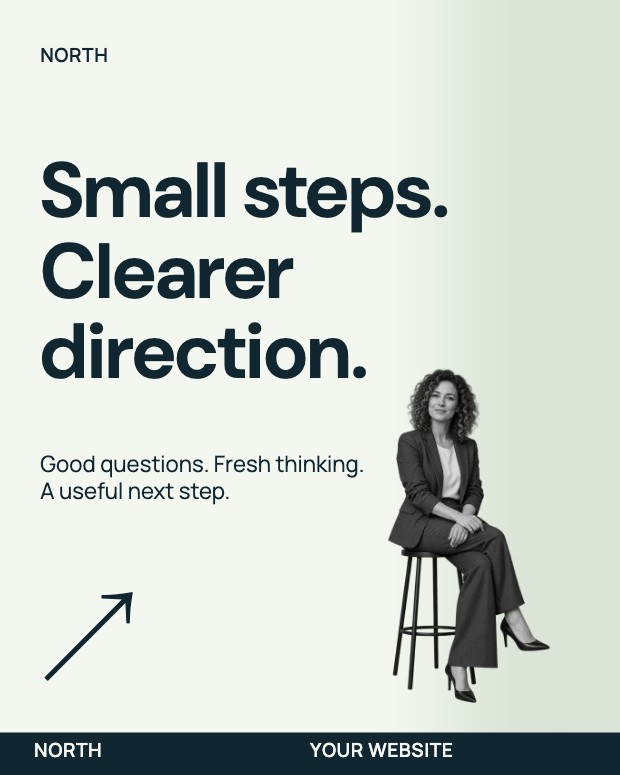
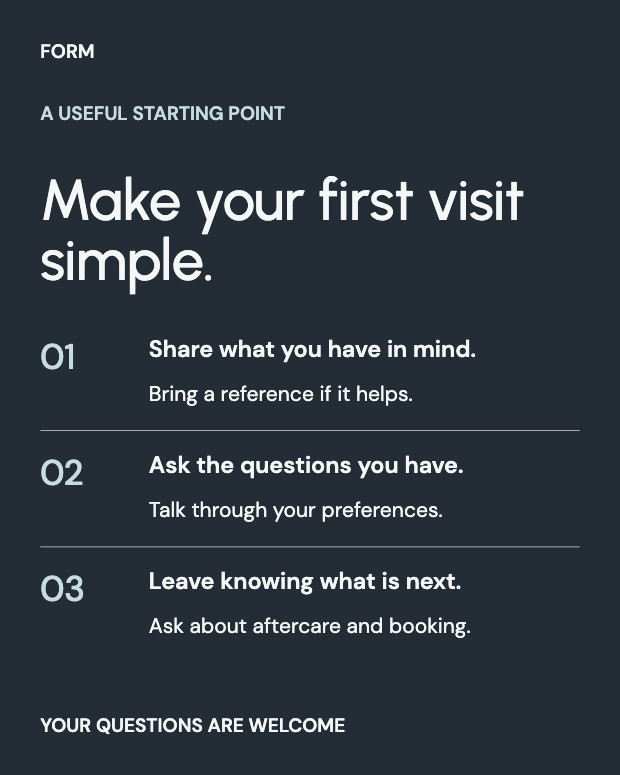
Square, portrait and landscape designs. Change the message and make them yours.
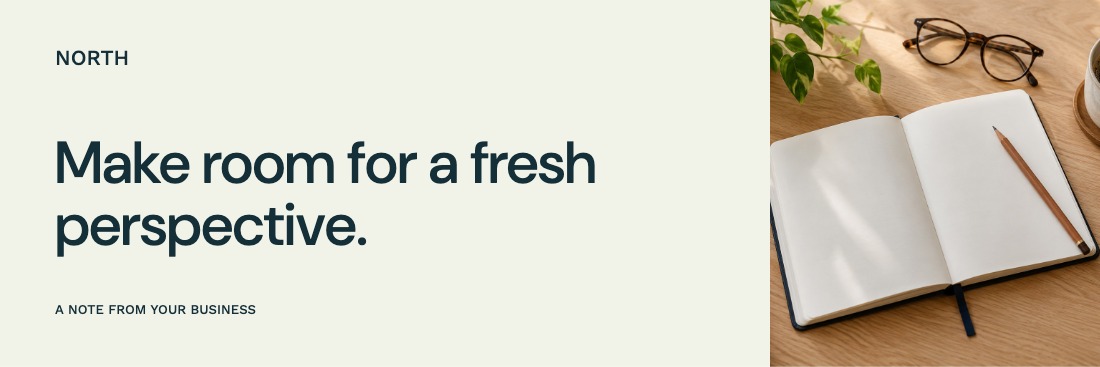

Bring your business identity into everyday correspondence.
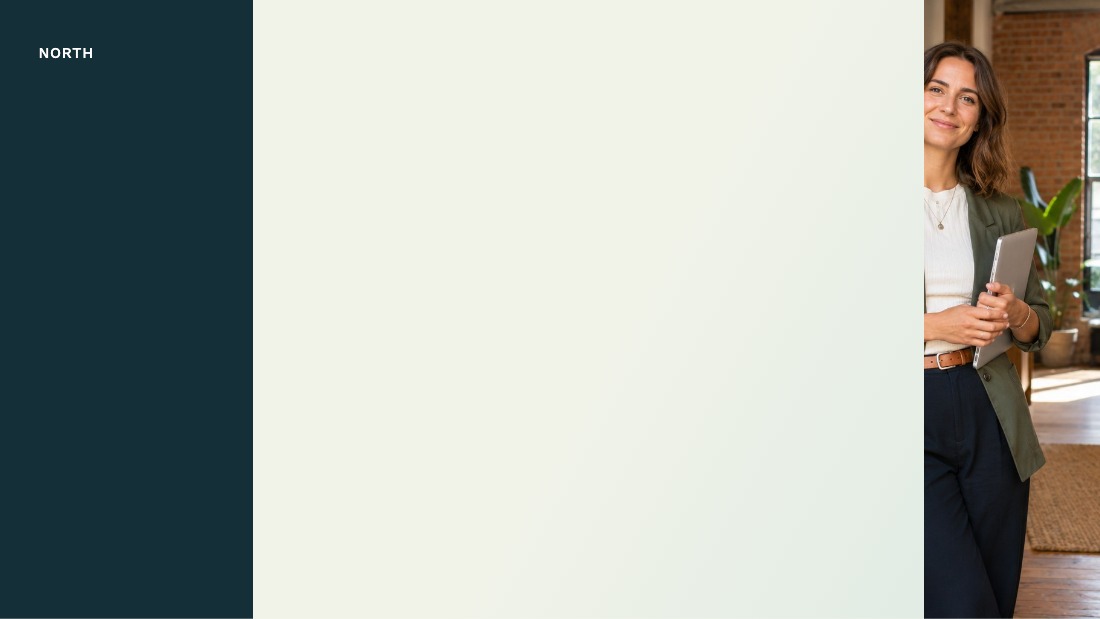
Branded call backgrounds, ready to download.
Your editor, custom sizes, QR tools and event planning—together with practical guidance about putting your marketing to work.
See the planned classes ↗Social artwork is downloaded for you to publish. Stories and Reel covers are static designs. Email artwork is imagery; HTML signature links are available separately inside the tool. Free Google and customer-review lessons are available now. More tutorials are in preparation.
Made to be used
No blank canvas required. No separate design software to install. Open your toolkit in a desktop browser and start with something good.
Your home screen puts Design Studio, Event Room and My Work in reach. Recent work is ready to pick up again.
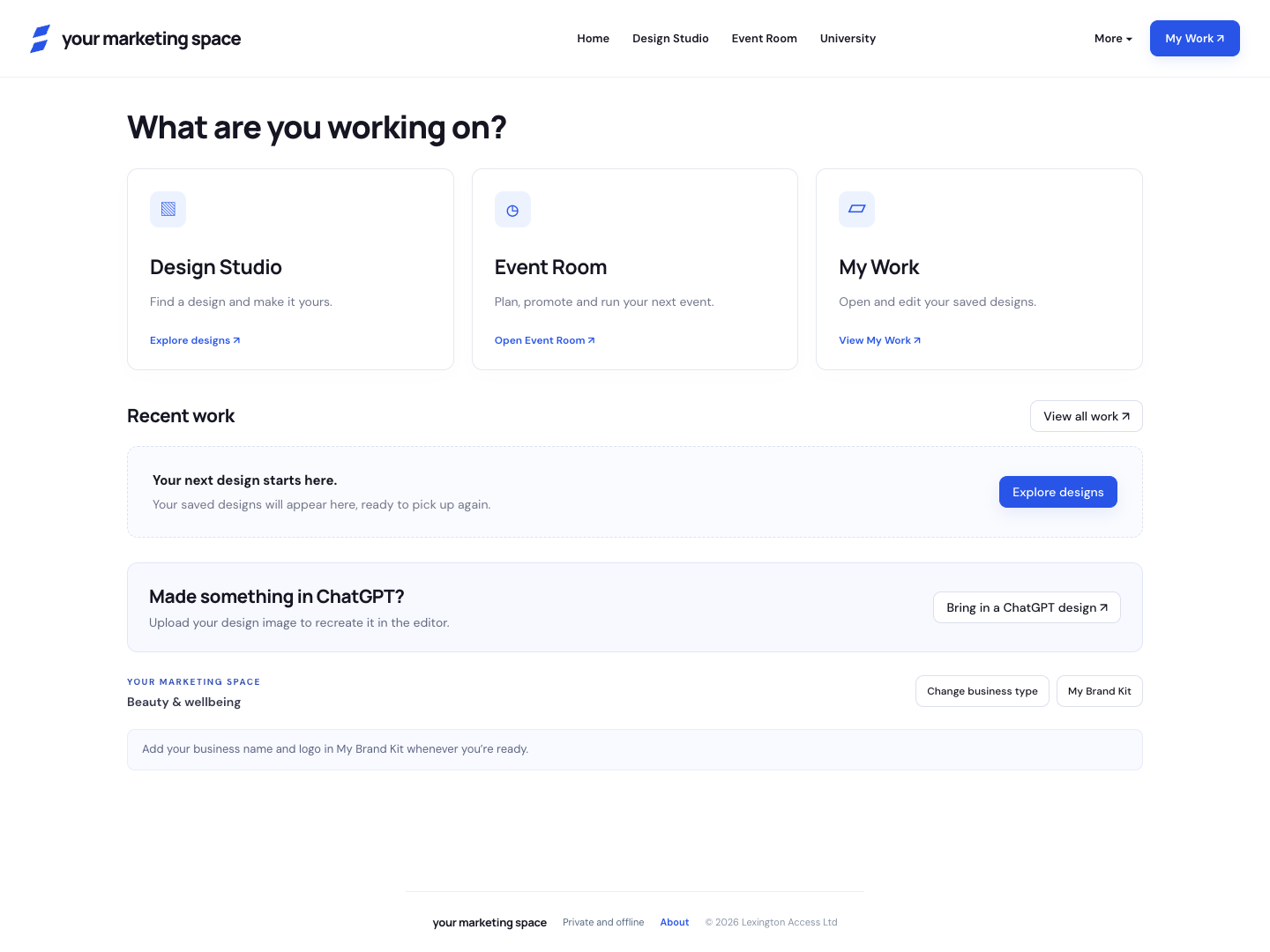
Pick a collection or go straight to LinkedIn, Instagram, Facebook, email or backgrounds.
Add your logo and photographs. Edit the message, refine the colours and keep the look you love.
Export your artwork for your usual channels. Save the editable version for next time.
More than social posts
Carry your identity from a first impression to a useful email, the next call and the next conversation.

Posts, portrait artwork, carousel cards, profile banners and covers. Clearly organised by platform.
Email headers, footers and signatures, including people-photo layouts. Add your team and your details.
Designed backgrounds for Zoom and Teams, ready to download and use in your call settings.
Event Room · included
A launch, a local gathering, a client breakfast or a workshop. Bring the plan and the materials together in one place.
Event Room comes with the complete toolkit. No separate upgrade.
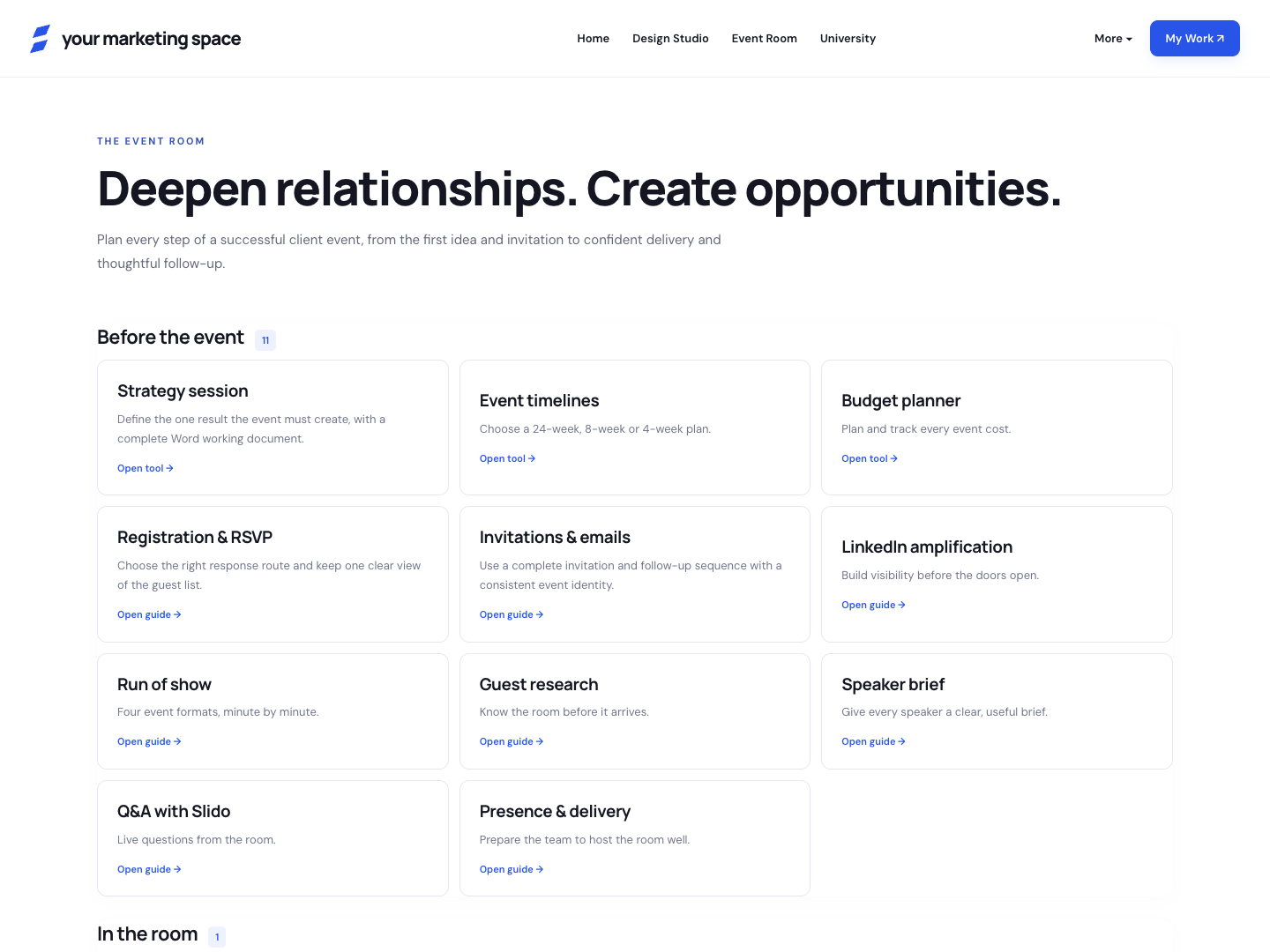
Purpose, audience, preparation timeline, budget, invitations and guest planning.
Running order, responsibilities, welcome materials, programmes and guest organisation.
Thank-you messages, useful resources, follow-up prompts and feedback.
Already tried ChatGPT?
ChatGPT can help you explore a message or an image. Your Marketing Space gives you a ready-made collection and a visual editor to keep making it your own.
Choose a design, change the words, replace a photo and save your next version. Use your own ideas or bring a draft from ChatGPT. AI is optional.
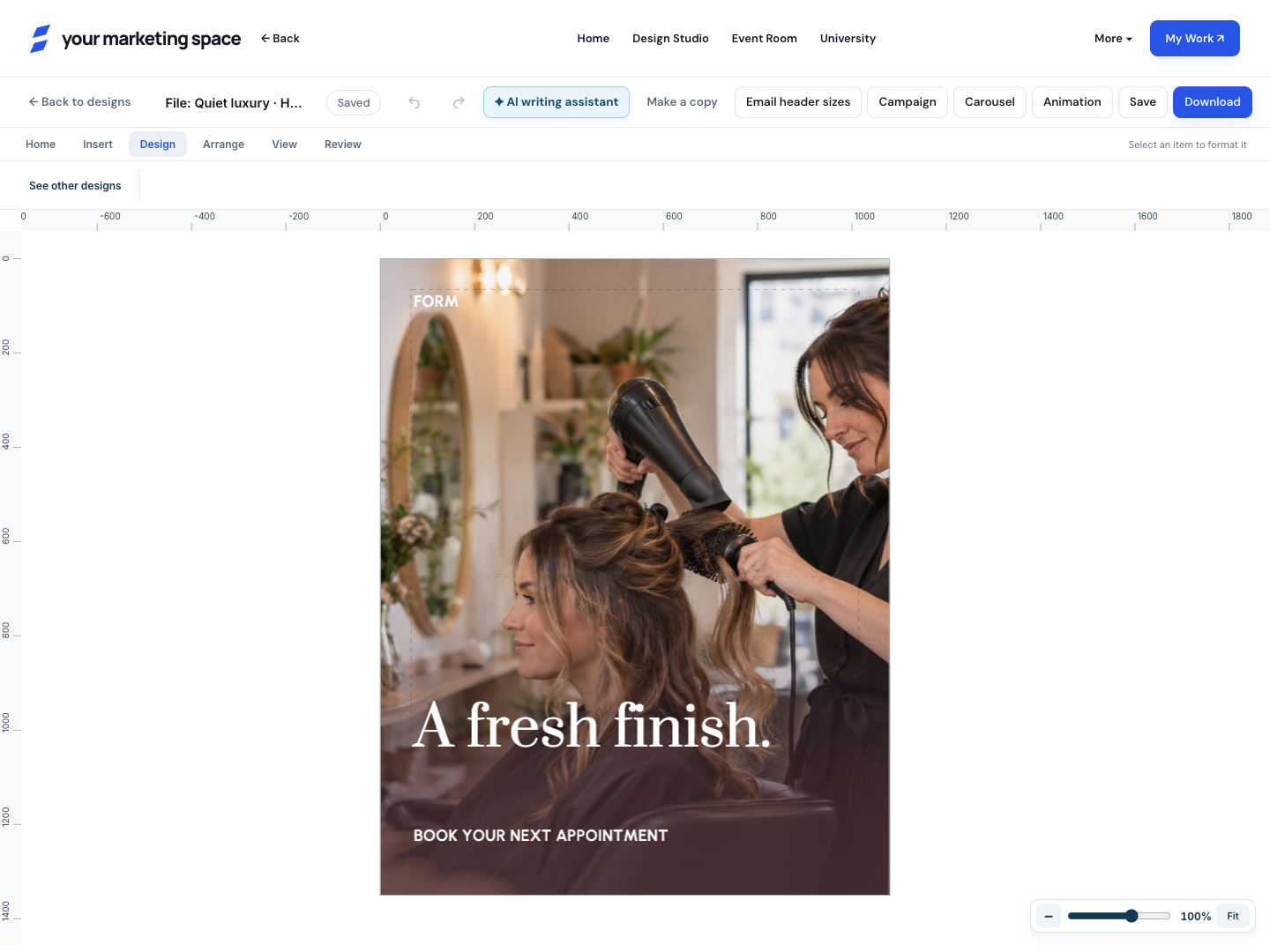
Browse a collection instead of describing a whole layout. Start with posts, headers, backgrounds or event materials made for that job.
In the ready-made designs, words, photos and colours stay editable. Change a date or swap a picture directly, then keep a copy for next time.
Bring your logo and Brand Kit across your designs. Add event planning tools and guidance when you want to bring people together.
Bring in the saved image and use the reconstruction workflow as an editable starting point. Recognised words can become text; the background stays together as artwork. Font matching and background repair are approximate. This currently uses a local Mac helper.
A quick introduction
Built by Cari Haxell, drawing on 25 years in marketing. See how the designs and practical guidance help you take your next step with confidence.
Around 90 seconds · Subtitled · No design experience needed
Your complete £295 package
One £295 purchase includes your marketing software, Design Studio, every collection and the complete Event Room. Keep the version you receive and use it indefinitely, with no recurring product subscription.
Explore everything included ↑£295 for the complete toolkit. Checkout and delivery are being prepared; this preview does not take payments.
A few useful answers
That’s who this is built for. Start with a ready-made design and a message about your business. Edit the words, add a photo if you want to, and download your artwork. Written FAQs and free Google and reviews lessons are available now. More University tutorials are being prepared.
You can keep using ChatGPT for ideas and drafts. This purchase adds ready-made editable collections, a visual editor, your reusable Brand Kit and Event Room in one toolkit. Choose it when you want those starting points and a repeatable way to edit and reuse your materials. You do not need to use AI to use the toolkit.
Design Studio and Event Room together, every sector collection, social and email artwork, video-call backgrounds, Brand Kit, custom designs, saved work and the written help. There is one complete package.
Yes. £295 is a one-time purchase. The software is included, with unlimited use, designs and exports from the version supplied. Keep using it on compatible devices and browsers, without a recurring product subscription. Final purchase terms will be available before checkout opens.
No separate design app or paid design subscription is needed. The current toolkit opens in a desktop browser. You download the artwork you create and use it in your usual social, email or video-call applications.
Yes. Upload your logo, set up your Brand Kit and replace the sample photographs. You can keep a collection’s original look or use your brand colours. Included fonts are available inside the tool.
You can upload and place your existing logo in your designs. This package does not currently include an automatic logo generator.
Yes. Upload the saved image and use the reconstruction workflow to create an editable starting point. Text recognition, font matching and background repair are approximate. This feature currently uses a local Mac helper; it is not a built-in ChatGPT image-generation service.
You create and download your materials, then publish or send them through your own accounts. Social scheduling, email delivery, ticketing and automatic RSVP collection are not included.
In the browser on the computer you use. Saved work is not automatically synced between devices. Keep editable exports of important projects, especially before changing browser, device or clearing browser data.
You can watch the free Google and customer-review lessons now, without signing up. The first-post tutorial is coming next. University access is included with the toolkit; the wider library of 40+ business tutorials is being created.
The British Chambers of Commerce’s March 2026 research found AI adoption varied with business size and sector, and called for practical skills support. The UK Digital Adoption Taskforce identifies confidence, expertise and tools that feel designed for larger businesses as barriers for smaller firms. Simply Business’s 2026 survey of 1,842 UK small businesses also reports a gap between AI use and confidence. Our interpretation is to make the first step concrete and manageable. These studies do not test this product, prove customer results or imply endorsement.


Your designs. In the real world.
Something worth posting.
A look you’re proud to share.
An invitation. A glimpse of your work. A useful idea. Start with a message that matters to your customers, then make it look like your business.
Something good is happening in the neighbourhood. Bring a friend and make an evening of it.
Events, seasonal news and reasons to come back.
your.business The details make the difference. Show the care behind your work, with your own photos and your own words.
Your craft, your people and the details customers notice.
A better question can be the start of a better decision. Here’s a useful place to begin your next conversation.
Helpful perspectives, practical advice and professional introductions.
Illustrative platform mockups containing actual product exports. Account names and captions are examples. No engagement figures or customer results are implied. You publish through your own accounts.
Make the next step manageable.
Choose one useful message. Start with a ready-made design. Keep your brand recognisable. Check the response in the platform you use.
Our interpretation of small-business research on time pressure and marketing confidence. Read the research ↗ The toolkit provides design and planning tools; it does not measure campaign performance.